So, you're looking to add a way for people to buy tickets directly from your website? That's a smart move. A ticketing widget for website can really make things easier for your customers and for you. It's not just about selling tickets; it's about making the whole process smooth. Think about it, no more sending people off to another site or dealing with complicated booking systems. This guide is all about getting a ticketing widget set up that works well for your site and helps you sell more tickets.
Understanding the Value of an Event Ticketing Widget for Website
Adding a ticketing widget to your website isn't just about selling tickets; it's about making the whole process smoother for your visitors and, by extension, for you. Think about it: instead of sending people off your site to a separate platform, you keep them right where they are. This makes buying a ticket feel like just another part of browsing your content, which is a big win.
Enhancing user experience with seamless event ticketing
When someone lands on your page looking for event information, the last thing they want is a complicated checkout process or being redirected to a completely different site. A well-integrated ticketing widget means they can find event details, select their seats, and pay, all without leaving your domain. This kind of frictionless experience is what keeps people engaged and makes them more likely to complete a purchase. It’s like having a helpful salesperson right there on your site, guiding them through the process.
Boosting conversions through direct access
Direct access to ticket purchasing right on your website significantly cuts down on the steps a potential customer needs to take. Fewer steps mean fewer opportunities for them to get distracted or change their mind. This direct path from interest to purchase is a powerful conversion driver. If you're looking to improve your tour marketing efforts, making ticket buying easy is a great place to start.
Streamlining event management and sales
Beyond the customer's view, a ticketing widget also simplifies things on your end. It can help manage inventory in real time, track sales as they happen, and even provide basic customer data. This means less manual work for you and a clearer picture of how your events are performing. It’s a way to get a better handle on your event sales without needing a whole separate system just for tickets.
Key Features to Look for in an Event Ticketing Widget
When you're looking for a ticketing widget to add to your website, it's not just about selling tickets. You want something that looks good, works smoothly, and makes the whole process easy for your customers. Think about what makes a good online shopping experience, that's what you're aiming for here.
Customizable design to match your brand
Your website has a look and feel, right? The ticketing widget should fit right in. You don't want something that screams 'generic' and clashes with your site's colors or fonts. Look for widgets that let you tweak the appearance. This could mean changing colors, adjusting button styles, or even uploading your logo. Making it look like a natural part of your site builds trust and makes people feel more comfortable buying tickets. It's like putting your best foot forward, visually speaking.
Secure payment gateway integration
This is a big one. People are handing over their credit card information, so it has to be safe. The widget needs to connect with a reliable payment processor. You'll want to see that it supports common payment methods like Visa, Mastercard, and maybe even digital wallets. A secure connection means customers can buy tickets without worrying about their financial data being compromised. It’s about peace of mind for everyone involved. You can find more about secure payment options on sites that discuss online transactions secure payment options.
Real time inventory and sales tracking
Imagine selling tickets to an event that's already sold out, or not knowing how many tickets you have left. That's a headache you don't need. A good ticketing widget will show you exactly how many tickets are available and update that number instantly when a sale happens. This helps prevent overselling and gives you a clear picture of your sales progress. It’s like having a live counter for your event’s success.
Mobile responsiveness for all devices
Lots of people browse and buy on their phones these days. If your ticketing widget looks clunky or is hard to use on a smaller screen, you're going to lose sales. Make sure the widget is responsive, meaning it automatically adjusts its layout to look good and work well on any device, phones, tablets, and desktops. This makes it easy for anyone, anywhere, to grab a ticket without frustration.
Integrating an Event Ticketing Widget for Website Success
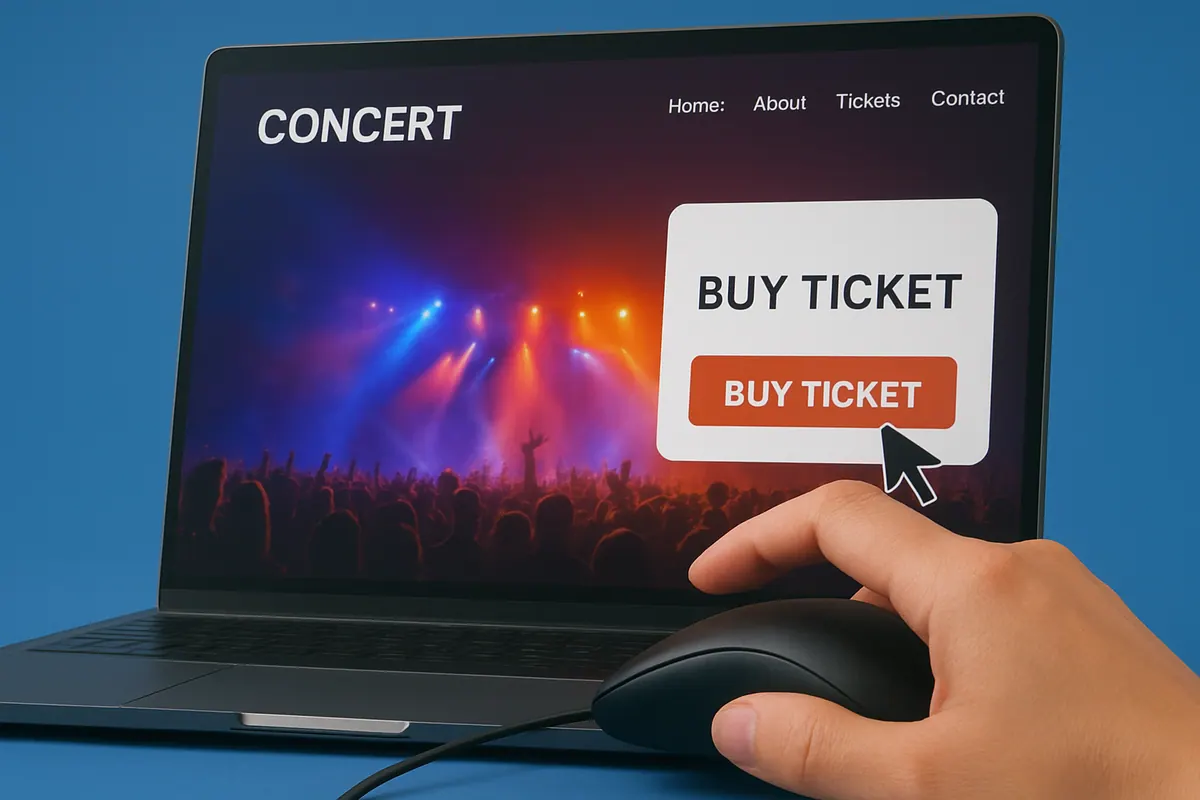
So, you've got your ticketing widget all set up, looking sharp and branded. Now comes the part where we actually get it onto your website and make sure it works like a charm. This isn't just about slapping some code onto a page; it's about making the ticket-buying process as smooth as possible for your visitors. A well-integrated widget can significantly impact your conversion rates.
Step by step implementation guide
Getting the widget live usually involves a few straightforward steps. Most providers will give you a snippet of code, often JavaScript or an iframe. You'll need to copy this code and paste it into the HTML of the specific page on your website where you want the widget to appear. Think about where your visitors are most likely to look for tickets, maybe a dedicated events page or even the homepage.
Here’s a general rundown:
- Locate the code snippet: Your ticketing widget provider will supply this. It might be in your account dashboard or sent via email
- Access your website's HTML: This usually means logging into your website's content management system (CMS) like WordPress, Squarespace, or directly editing your site's code if you're comfortable with that
- Paste the code: Find the right spot in your HTML where you want the widget to show up and paste the code snippet
- Save and publish: Update your page to make the changes live
Testing and optimization strategies
Once it's in place, don't just assume it's working perfectly. You need to test it thoroughly. Try buying a ticket yourself, or have a few friends do it. Check that all the buttons work, that the payment process is smooth, and that you receive confirmation emails. Look for any glitches or confusing steps. You might want to A/B test different placements or designs of the widget to see what performs best. For instance, does it convert better when it's above the fold or when it's on a dedicated ticket page? We're aiming for a frictionless experience here.
Leveraging analytics for performance insights
This is where things get really interesting. Your website analytics, like Google Analytics, can tell you a lot about how people are interacting with your ticketing widget. You can track things like:
- Pageviews: How many people are landing on the page with the widget?
- Click-through rates: Are people clicking the 'buy ticket' buttons?
- Conversion rates: How many of those clicks actually result in a sale?
- Bounce rates: Are people leaving the page immediately after seeing the widget?
By understanding these numbers, you can make informed decisions about how to improve the widget's performance and, ultimately, sell more tickets. Integrating your online booking system can really help streamline these operations. See how integrations can boost sales.
Making sure your ticketing widget is easy to find and use is key. If people can't figure out how to buy a ticket, they'll just go somewhere else. Think about it from their perspective, what would make you buy a ticket quickly and without hassle?
Maximizing Event Ticket Sales with Your Website Widget
So, you've got your ticketing widget all set up on your site. That's great! But how do you actually turn those views into sales? It's not just about having the widget; it's about making it work for you. Think of it as a little salesperson on your website, always ready to help.
Promotional tools and discount codes
One of the easiest ways to get people to buy tickets is by offering them a little incentive. Who doesn't love a good deal? You can set up discount codes directly through your ticketing platform. Maybe it's an early bird special, a discount for your email subscribers, or a special code for your social media followers. This creates a sense of urgency and rewards your loyal audience. It's a simple tactic, but it really works to drive those initial sales.
Upselling and cross selling opportunities
Once someone is ready to buy a ticket, think about what else they might want. Can you offer them a VIP package? Maybe a merchandise bundle? Or perhaps tickets to a different, related event? These are called upselling and cross-selling. Your widget might have options to add these extras right at checkout. It's a way to increase the average order value without asking for much more from the customer. They're already in the buying mood, so it's the perfect time to suggest something extra.
Building customer loyalty through the widget
Your ticketing widget isn't just for making sales; it's also a tool for building relationships. After someone buys a ticket, the widget can be used to send a thank-you message or even a reminder about the event. Some platforms allow you to collect customer feedback directly. This kind of interaction makes customers feel valued and more likely to return for future events. It's all about making the entire experience, from purchase to attendance, a positive one. Embedding a booking widget on your website significantly improves the customer experience by streamlining the booking process. This makes it easier for customers to reserve services directly, enhancing convenience and satisfaction.
Choosing the Right Event Ticketing Widget Provider