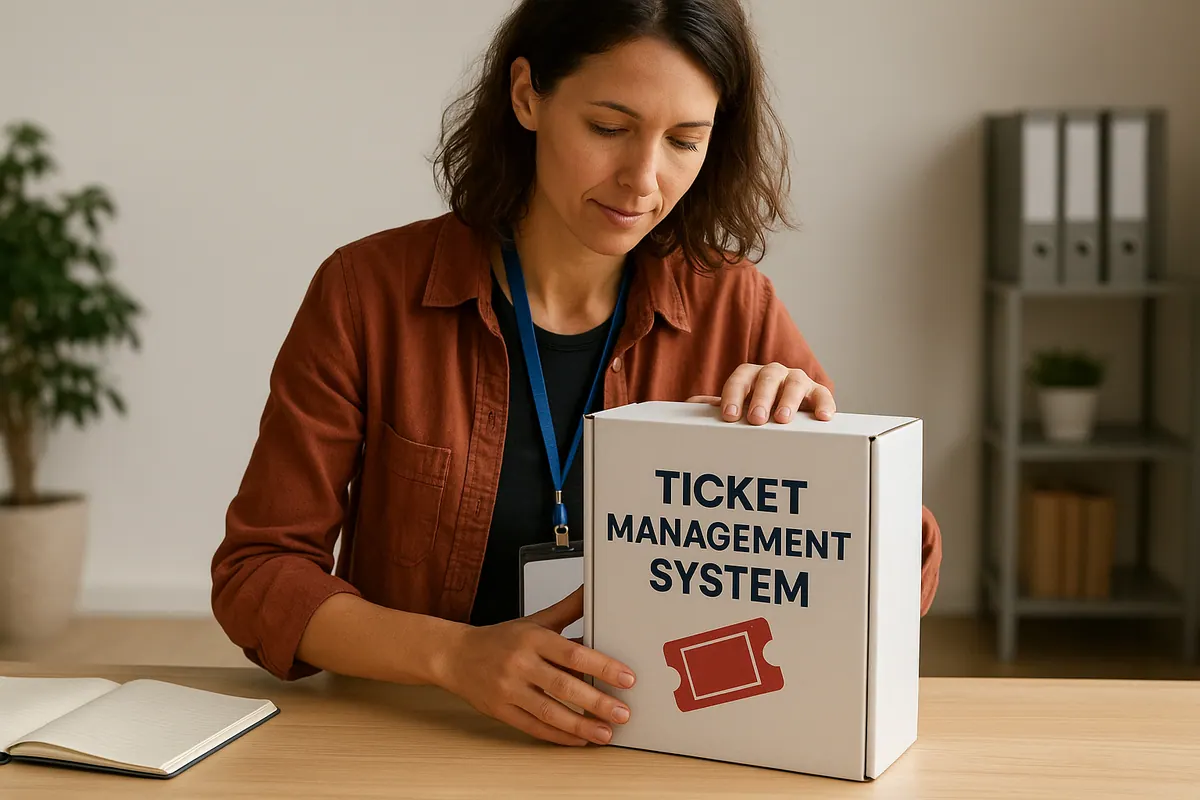
Picking the right TMS (ticket management system) for your event can feel like a big job. There are so many options, and it's easy to get lost in all the details. But finding the right system is really important for making your event run smoothly, from selling tickets to checking people in. This guide will help you figure out what to look for so you can pick the best TMS (ticket management system) for your needs.
Key Takeaways
- Think about what your event really needs before looking at systems.
- A good TMS ticket management system makes selling tickets and checking people in easy.
- The system should be simple for both you and your attendees to use.
- Make sure the TMS ticket management system can connect with other tools you use and grow with your event.
- Always look closely at the costs and what kind of support you'll get.
Understanding Your Event's Unique Needs
Before you even think about comparing different event management software, you need to get crystal clear on what your event actually needs. It's like trying to pick out a new car without knowing if you need a truck for hauling stuff or a tiny hatchback for city parking. You'll end up with something that doesn't quite fit.
Defining Event Scale and Type
First things first: how big is this thing going to be? Are we talking a small, intimate gathering of 50 people, or a massive conference with thousands? The scale dramatically impacts the kind of ticketing system you'll need. A small event might be fine with a simple spreadsheet and manual check-in, but a large event? Forget about it. You'll need something robust and automated. Also, what kind of event is it? A concert has different needs than a workshop, which differs from a multi-day festival. Each event type has its own set of challenges and requirements.
Identifying Specific Ticketing Requirements
Okay, so you know the size and type. Now, what are the specific things you need the ticketing system to do? Do you need to offer different ticket tiers (VIP, early bird, general admission)? Do you need to manage seating charts? Do you need to sell merchandise alongside tickets? Think about all the features that are essential for your event to run smoothly. Don't just think about what's nice to have; focus on what's absolutely necessary. Customizable ticket options are a must. Your event is unique, and your ticketing should reflect that.
Assessing Attendee Experience Expectations
This is where you really need to put yourself in your attendees' shoes. What kind of experience do they expect when buying tickets? Do they want a quick and easy process, or are they okay with something a bit more involved? Do they expect mobile ticketing? Do they need clear instructions and support? A clunky, confusing ticketing process can turn people off before they even get to your event. Make sure the ticketing process reinforces the event’s unique brand and message.
Think about the entire attendee journey, from the moment they land on your ticketing page to the moment they walk through the door. A positive experience at every touchpoint is key to a successful event.
Key Features of a Robust TMS Ticket Management System
When you're picking a ticket management system (TMS) for your event, it's easy to get lost in all the options. But really, it boils down to a few key features that can make or break your event's success. Let's break down what to look for.
Seamless Online Ticket Sales
The ability to sell tickets online, without a hitch, is non-negotiable. People expect to buy tickets from anywhere, at any time. Your TMS needs to make this process smooth and easy. Think about it: a clunky, confusing online ticketing system can drive potential attendees away faster than you can say "sold out!" Make sure the system supports different ticket types (early bird, VIP, general admission), handles discounts and promo codes without a fuss, and offers multiple payment options. The easier it is to buy, the more tickets you'll sell.
Efficient Attendee Registration and Check-In
Nobody likes waiting in long lines to get into an event. It sets a bad tone right from the start. Your TMS should offer tools for quick and easy attendee registration and check-in. This could include features like:
- Self-service registration portals where attendees can update their information.
- Mobile check-in apps that allow staff to scan tickets or QR codes quickly.
- The option to print tickets at home or use digital tickets on smartphones.
A smooth check-in process not only makes attendees happy but also reduces the workload on your staff. Plus, it gives you real-time data on who's actually at the event, which can be useful for managing capacity and resources.
Comprehensive Reporting and Analytics
What good is a TMS if it doesn't give you insights into your ticket sales and attendee behavior? You need a system that offers robust reporting and analytics features. This will help you understand what's working, what's not, and how to improve your events in the future. Look for reports on:
- Total ticket sales and revenue.
- Ticket sales by type (e.g., early bird vs. regular).
- Attendee demographics (if you collect that information).
With the right data, you can fine-tune your marketing efforts, adjust your pricing strategies, and make better decisions about event logistics. Data-driven decisions are the best decisions.
Evaluating User Experience and Interface
When choosing a ticket management system (TMS), it's easy to get caught up in features and forget about something super important: how easy it is to use. A clunky, confusing system can lead to frustration for both your team and your attendees. A positive user experience is key to driving sales and ensuring everyone has a good time.
Intuitive Design for Organizers
Think about how your team will use the system day-to-day. Is it easy to set up events, manage ticket types, and access reports? A good TMS should have a clean, straightforward interface that doesn't require a ton of training. Look for these qualities:
- Drag-and-drop functionality for event setup.
- Clear and concise navigation menus.
- Customizable dashboards to track key metrics.
- Easy ticket management features.
A well-designed interface can save your team countless hours and reduce the risk of errors. It's worth investing in a system that's easy to learn and use.
Streamlined Purchase Process for Attendees
From the attendee's perspective, buying tickets should be a breeze. A complicated or confusing purchase process can lead to abandoned carts and lost sales. Simplicity is key here. Consider these points:
- Mobile-friendly design for on-the-go purchases.
- Clear and concise product descriptions.
- Multiple payment options (credit card, PayPal, etc.).
- Easy-to-find customer support information.
Mobile Responsiveness and Accessibility
In today's world, everyone expects websites and applications to work flawlessly on their phones and tablets. A TMS that isn't mobile-responsive is a major red flag. Also, consider accessibility for attendees with disabilities. Here's what to look for:
- A fully responsive design that adapts to different screen sizes.
- Support for screen readers and other assistive technologies.
- Keyboard navigation for users who can't use a mouse.
- Sufficient color contrast for visually impaired users.
By prioritizing user experience and interface, you can choose a TMS that not only meets your functional needs but also delights your team and your attendees.
Integration Capabilities and Scalability
It's not just about selling tickets; it's about how well your ticketing system plays with the other tools you're using. Think about it: your marketing platforms, your CRM, even the payment processors. If they don't talk to each other, you're stuck manually moving data around, and nobody wants that.
Connecting with Marketing Platforms
Marketing is key, and your ticketing system should make it easy.
- A good TMS should connect with your email marketing tools, social media platforms, and analytics dashboards. This way, you can track where your ticket sales are coming from, target your ads better, and see what's working and what's not.
- Imagine being able to automatically send out reminder emails to people who haven't bought tickets yet, or creating custom audiences on social media based on who's already purchased a ticket. That's the power of integration.
- It's about making sure all your systems are working together to get more people to your event.
Adapting to Growing Event Demands
Can your ticketing system handle the heat? What happens when your event doubles in size next year? You don't want your system crashing because it can't handle the load. Scalability is super important.
- A scalable system should let you add more tickets, handle more attendees, and process more data without breaking a sweat.
- It's about being able to adjust your staffing, supplies, and logistics as needed, without worrying about whether your ticketing system can keep up.
- You need a system that can grow with you, not hold you back.
Think of it like this: you're building a house. You want to make sure the foundation is strong enough to support not just the current structure, but also any future additions you might want to make. Your ticketing system is the foundation of your event, so make sure it's built to last.
Ensuring Data Security and Compliance
Security is a big deal. You're dealing with people's personal information and payment details, so you need to make sure it's all safe and sound.
- Your TMS needs to have robust security measures in place to protect against data breaches and fraud.
- This includes things like encryption, secure payment processing, and regular security audits.
- You also need to make sure your system is compliant with all the relevant regulations, like GDPR and PCI DSS. It's not the most exciting topic, but it's essential for protecting your attendees and your reputation.
Cost Considerations and Pricing Models
Choosing the right TMS ticket management system isn't just about features; it's also about the money. You need to understand how different systems charge and what you're actually getting for your investment. It can really impact your event's profitability.
Understanding Fee Structures
There are a few common ways TMS platforms charge for their services. Some use a flat fee per ticket, which can be great if you're selling expensive tickets. Others take a percentage of each ticket sale; this might work better for lower-priced events. And then there are those that combine both, a flat fee plus a percentage. It's important to do the math and see which model makes the most sense for your specific event and ticket prices.
Here's a quick breakdown:
- Flat Fee: A set amount per ticket, regardless of the price.
- Percentage: A percentage of the ticket price.
- Hybrid: A combination of a flat fee and a percentage.
Hidden Costs and Transparent Pricing
Always dig deeper than the initial price tag. Some platforms might have hidden costs, like fees for extra features, customer support, or even payment processing. Make sure you understand all the potential charges before committing to a system. Look for platforms that offer transparent pricing, so you know exactly what you're paying for. It's also worth checking if they offer custom branding options for event pages to keep your brand consistent.
It's easy to get caught up in the features and forget about the fine print. Always read the terms and conditions carefully to avoid any surprises down the road. A little research can save you a lot of money and headaches.
Value for Investment in a TMS Ticket Management System
Think about what you're getting for your money. A cheaper system might seem appealing, but if it lacks important features or has poor customer support, it could end up costing you more in the long run. Consider the value the system brings to your event, such as increased efficiency, better attendee experience, and more detailed reporting. Sometimes, paying a bit more for a robust system is worth it in the end. Also, consider how the 2025 event management software pricing affects your overall budget.
Here are some things to consider when evaluating value:
- Features: Does the system have all the features you need?
- Support: Is customer support readily available and helpful?
- Reporting: Does the system provide detailed reports and analytics?
- Scalability: Can the system handle your event's growth?
Customer Support and Training Resources

It's easy to overlook customer support and training when you're picking a ticket management system, but trust me, you really shouldn't. Think about it: you and your team will be using this thing constantly, and your attendees will be relying on it to get into your event. If something goes wrong, you need to know there's someone there to help.
Availability of Technical Assistance
Having reliable tech support is super important. You don't want to be stuck with a system that crashes right before your ticket sales go live and no one to call. Look for a TMS that offers multiple channels for support, like email, phone, and live chat. Bonus points if they have 24/7 assistance. It's also a good idea to check out reviews and see what other users are saying about the quality of their support. If people are constantly complaining about slow response times or unhelpful agents, that's a major red flag.
Onboarding and Training Programs
So, you've picked your TMS, now what? You need to learn how to use it! A good TMS should offer some kind of onboarding and training program to get you up to speed. This could include things like video tutorials, webinars, or even one-on-one training sessions. The goal is to make sure you and your team are comfortable using all the features of the system.
Don't underestimate the value of good training. A well-trained team can use the TMS more effectively, which can lead to increased ticket sales and a better experience for your attendees.
Community and Knowledge Base Support
Sometimes, you just need to figure something out on your own. That's where a good community forum or knowledge base comes in handy. These resources can provide answers to common questions, troubleshooting tips, and best practices for using the TMS. A strong community can also be a great place to connect with other users and share ideas. Look for a TMS that has an active and helpful community, as well as a comprehensive knowledge base that's easy to search and navigate.
Here's a quick list of things to look for:
- A searchable knowledge base with articles and FAQs
- A community forum where users can ask questions and share tips
- Webinars and tutorials on how to use the TMS
- Case studies and examples of how other events have used the TMS successfully
Security Measures and Data Protection